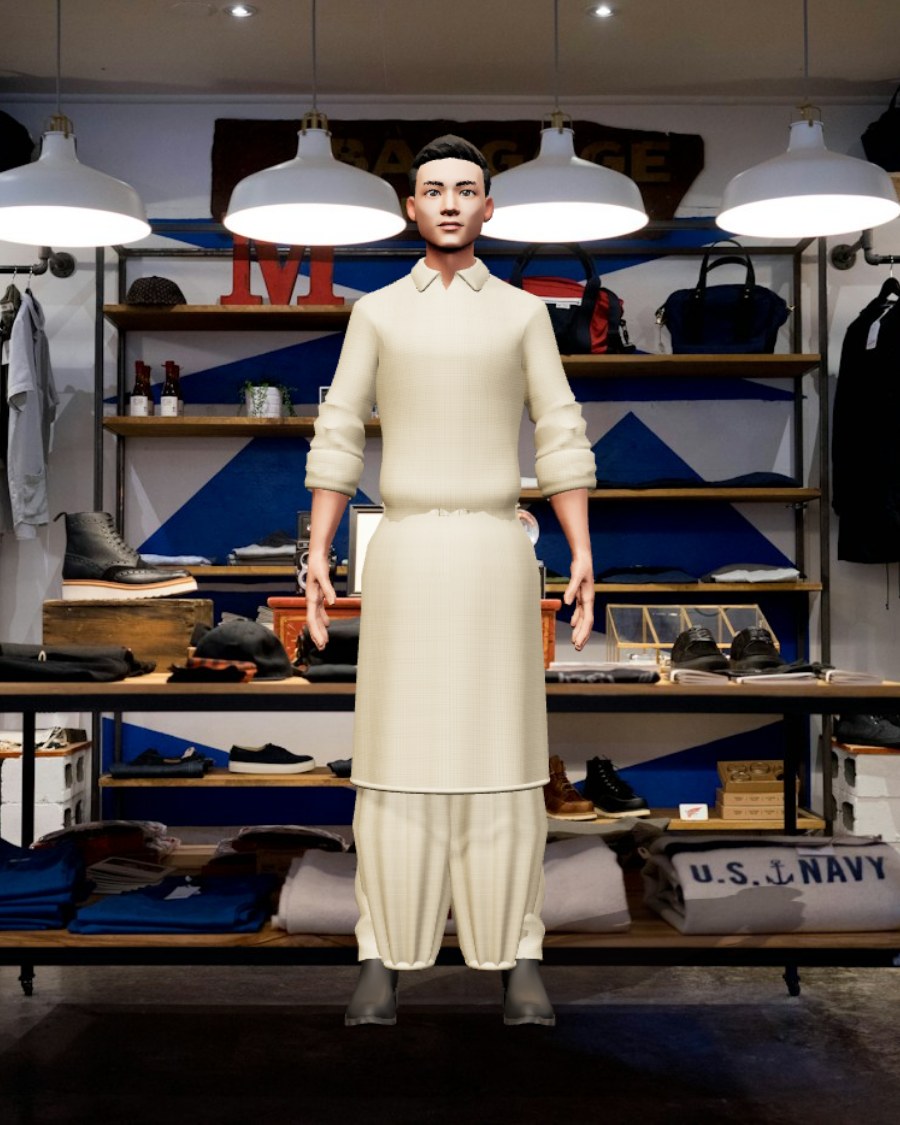
Choose a model
Four photoreal avatars, fitted with real body measurements. Turn them, study the posture, pick the one closest to you.
4 modelsThe Cloth Room dresses real 3D human models in your textile — South Asian suits, kurtas, sherwanis, lehengas and sarees — then sets them in a real-world scene with natural light and shadow.
Pick a model, choose a cut, upload a textile and set the scene. Everything below is live — rotate the model, change the fit and export the look.
Real 3D human avatars, fitted and rotating live. Pick a face, then dress them in the Clothing room.
Upload a textile or a garment photo, then choose the cut. The fabric is mapped onto the 3D garment with drape and folds.
Every cut is a real 3D pattern. The uploaded textile wraps onto it with seams, drape and folds.
Style the bottom on its own. Pick a bottom and the outfit switches to a matching top.
On-device fitting. Nothing is uploaded to a server. The garment is rebuilt in 3D in your browser, then composited onto a real-world scene.
Photoreal backdrops with soft depth of field, so the model sits naturally in the light.
Every saved render is kept here. Click a look to download it again.
No measuring tape, no waiting room. Choose, drape, place — then keep the render.
Four photoreal avatars, fitted with real body measurements. Turn them, study the posture, pick the one closest to you.
4 modelsUpload a textile photo or use the library. Pick from 18 cuts — kurta, shalwar kameez, sherwani, lehenga, saree, sharara and more.
18 cutsPlace the look in a boutique, a bazaar, a park or a resort. The light, shadow and depth are matched to the backdrop.
8 scenesTap a swatch to open it in the studio, or upload a photo of the cloth you already own.
A flat overlay can’t show you a hem. The Cloth Room builds the garment in 3D and fits it to the body.
Shoulder, chest, waist and hem are read from the avatar, so a kurta falls to the knee instead of floating at the chest.
Fabric is wrapped onto a 3D pattern with seams, gathers and a finished hem — shalwar legs stay baggy, cuffs stay gathered.
Every backdrop carries its own colour temperature. The model is lit and shadowed to sit inside the scene, not on top of it.
Fitting, styling and export all run in your browser. Your photos never leave the device and there is no account to create.
No. Images are read in the browser, used to build a texture, and discarded when you close the tab. There is no server-side upload and no account.
Men: kurta, pathani, shalwar kameez, sherwani, bandhgala, blazer, overshirt and waistcoat. Women: kurti, kurta, shalwar kameez, anarkali, lehenga, saree, dress and sharara — plus separate bottoms and fits.
Yes. Drop a clear, evenly lit photo of the textile — a weave close-up or a flat-lay works best. The colour, print and texture are lifted onto the 3D cut.
Press Save PNG to composite the model, garment and scene into one image. Saved looks stay in My Looks for the session and can be downloaded again.
Yes. The studio is responsive, and the 3D engine runs on modern mobile browsers. A recent phone with a decent GPU gives the smoothest rotation.
Pick a model, drop in a fabric, and see the cut before a single stitch is sewn.